
This project is based off of a concept I made during my Sophomore Year at The College of New Jersey. The original idea was for an app that consisted of content made by Fred Rogers Productions that a user could interact with in order to learn new skills or life lessons through various videos and games.

Demo Video
Project Description
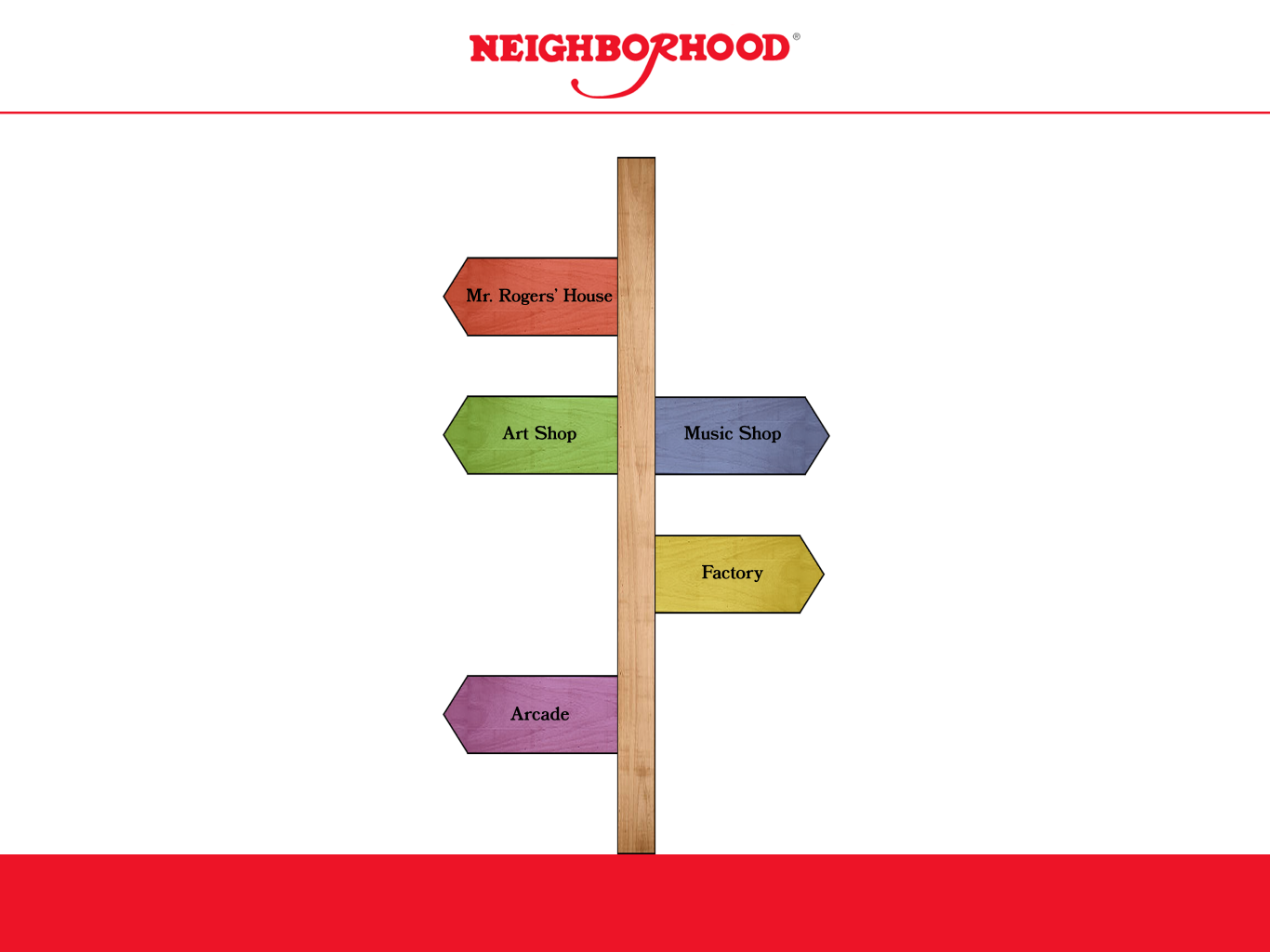
The wireframes and prototypes of the app were created in Figma. In the original concept, the user would navigate through Mr. Rogers’ Neighborhood and press on different buildings in order to enter different parts of the app, such as Mr. Rogers’ House, an Art Shop, a Music Shop, a Factory, an Arcade, and The Fred Rogers’ Institute. When creating the prototype in Figma, I realized that fitting a whole neighborhood on a small screen would prove difficult. I went with the idea of the user interacting with a sign post, which would “point” to where the different buildings in the neighborhood would be. Once the user arrived at one of the buildings, they would then be able to sort through and search for the specific piece of content they were looking for.
As for the visual styling of the final prototype, I focused on using red and white for the background and image borders, and black for the font. With the app logo, I used part of the Mr. Rogers’ Neighborhood show logo in order to tie the app to the brand from which it was inspired by.
You can view the project files directly via the button below or select from the different interactive previews at the bottom of the page.
Interactive Previews


 Mason Bohme Portfolio